

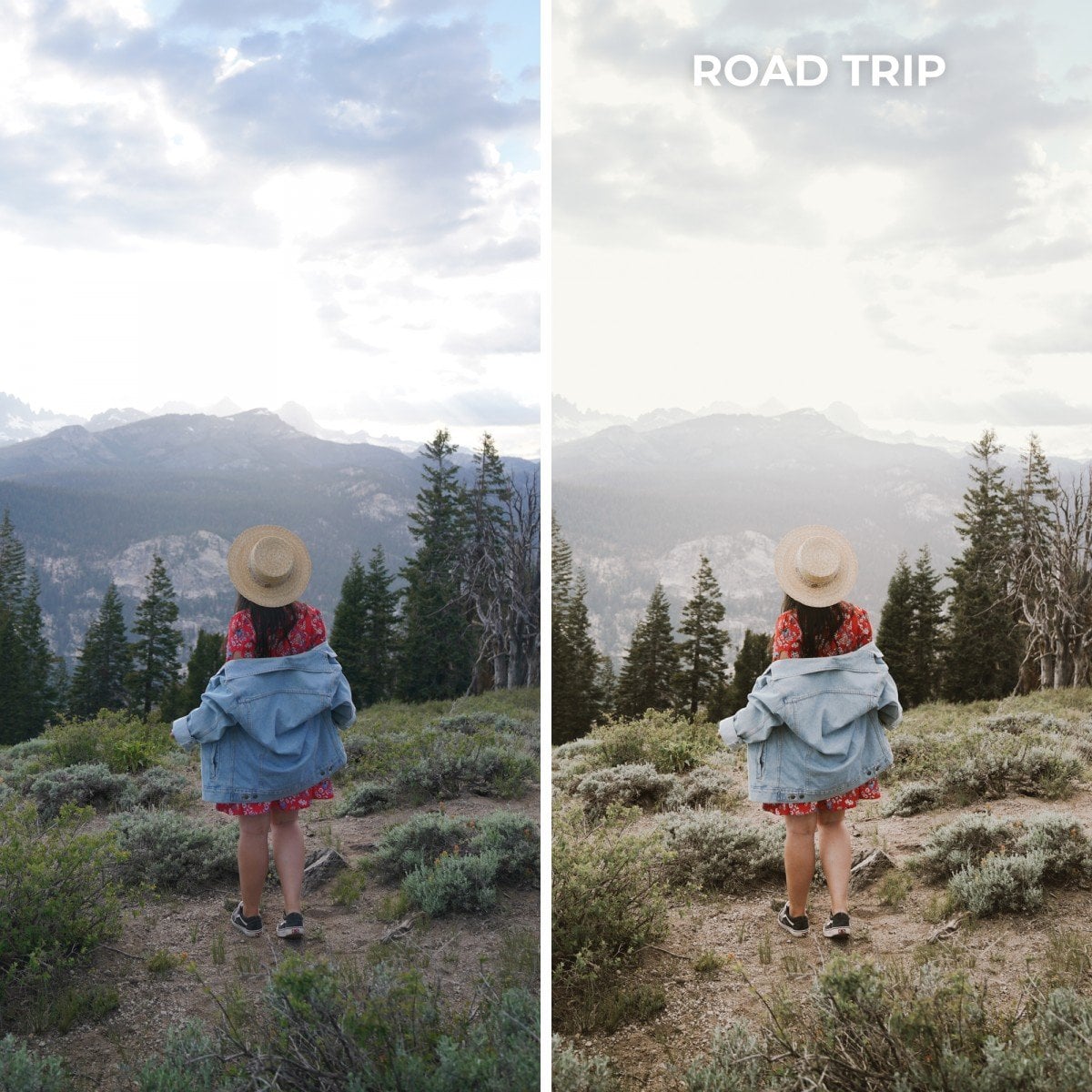

Notes
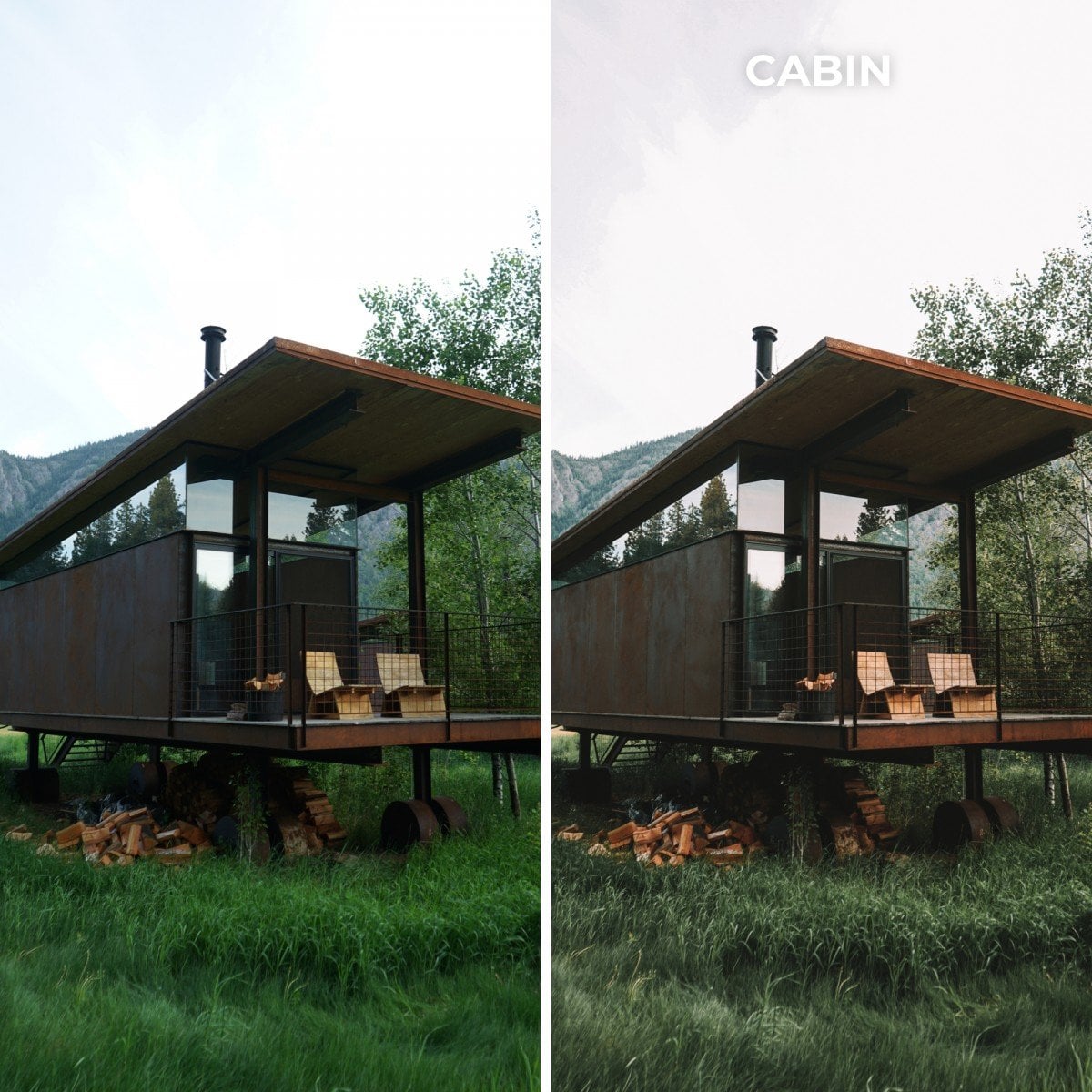
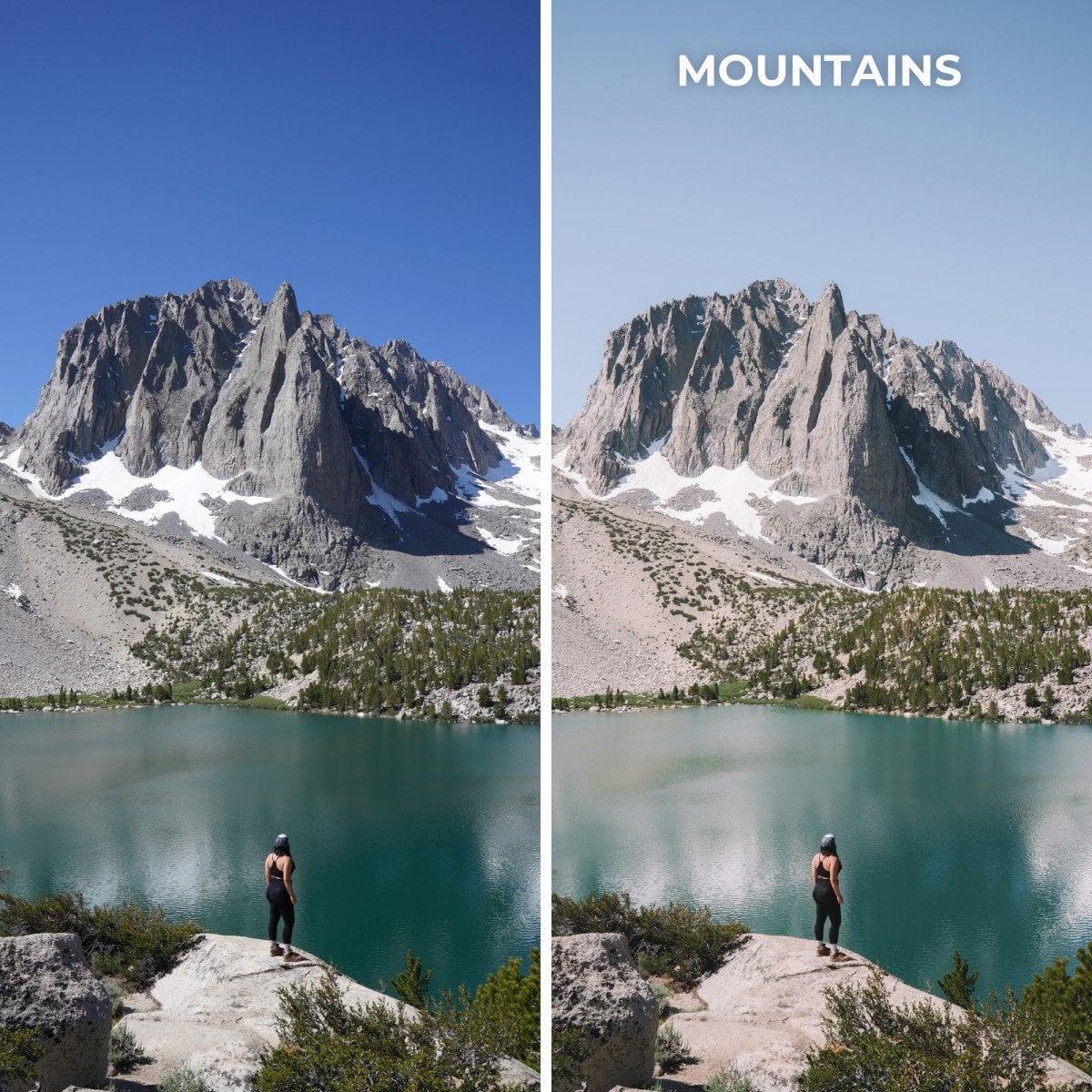
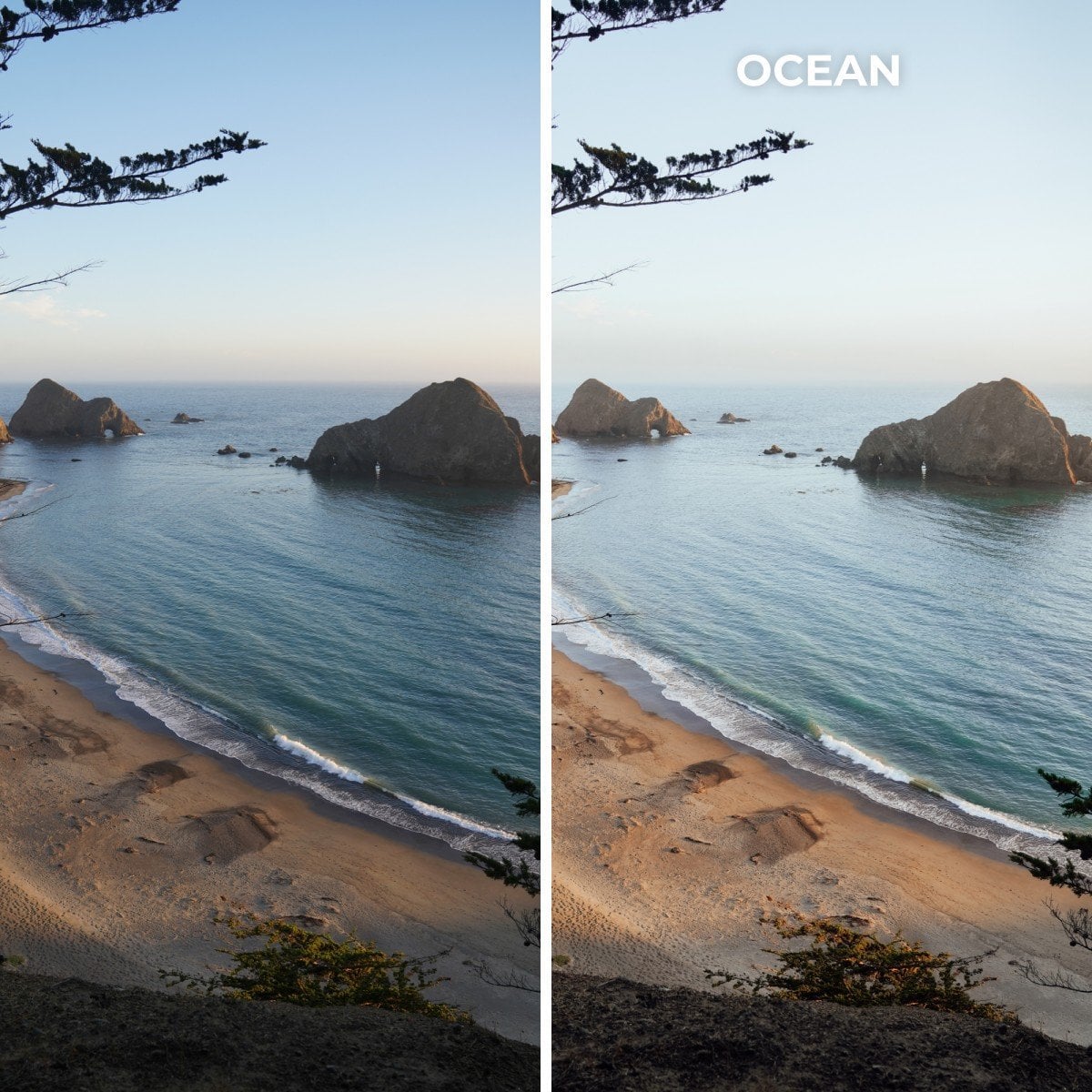
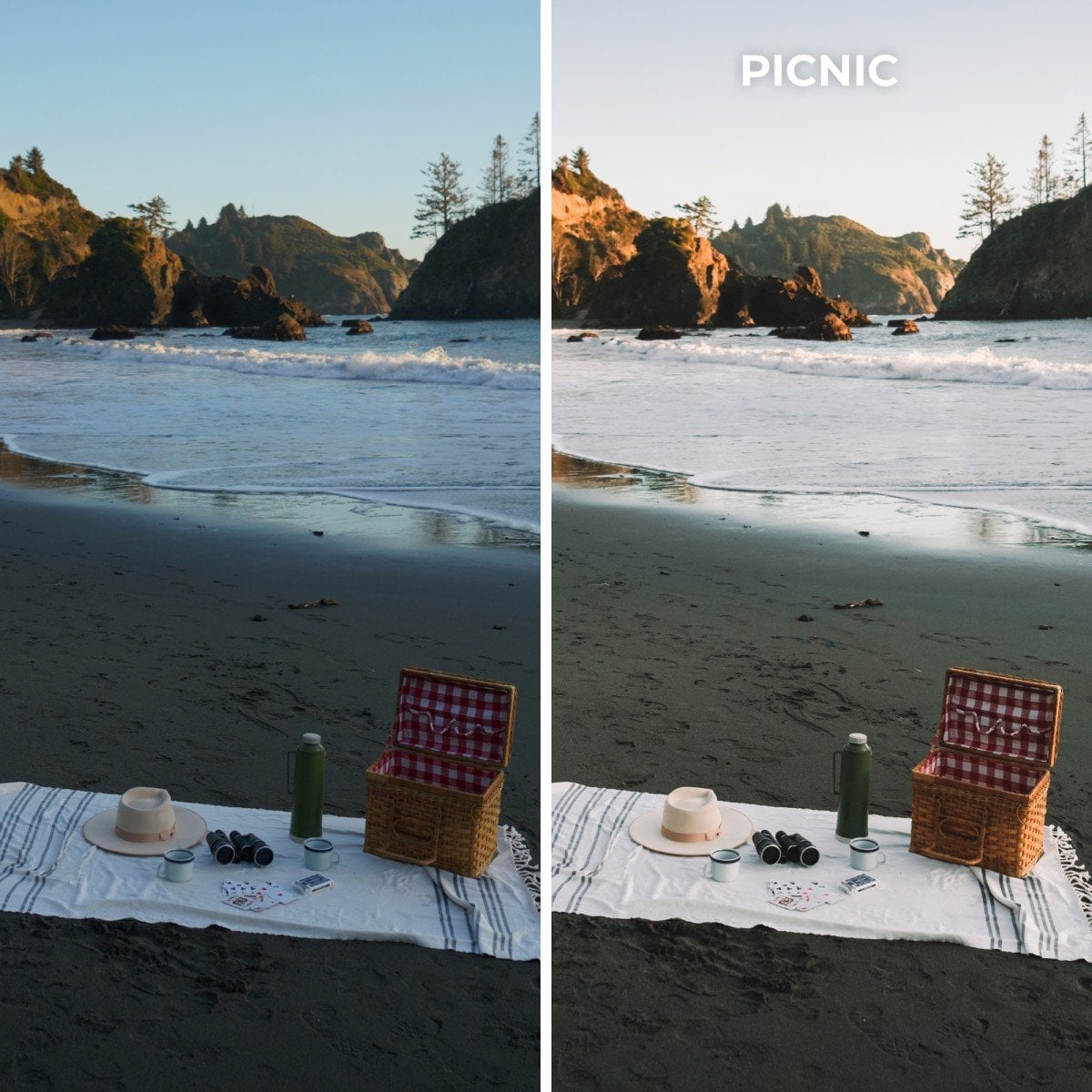
- Presets are best used on images that are properly exposed. All presets will work differently with images pending the lighting, white balance settings, and other variables. Some adjusting may be necessary after the preset is applied.
- These presets are designed for Lightroom desktop version (OSX / Windows and not mobile app) and work with RAW and JPEG photos.
- Since presets cannot be returned, unfortunately we cannot issue refunds.
Have more questions?
Visit the Lightroom Presets FAQs page for more info.
PS — Are You Booking a Trip Soon? Use My Booking Checklist!
These are the sites I use most to book my own trips. Using the links below is a great way to support Bon Traveler’s travel journalism at no extra cost to you. If you need help organizing your itinerary, get my free travel itinerary template here.
1. Book Your Accommodations
I use Booking.com for hotels and Airbnb for vacation rentals. They have the biggest inventory and consistently offer the best rates.
2. Book Your Rental Car
Self-driving is the best way to explore most destinations. I use Discover Cars for our rental cars, select full coverage insurance, and opt for a reputable company like Alamo, Hertz, or Sixt.
3. Book Your Tours & Experiences
I use Viator, Airbnb, and Get Your Guide to find the best tours and experiences. They are my favorite tour search engines. I always check all three as their inventory varies depending on the destination.
4. Book Your Private Transfers
For easy, reliable private transfers, I use Welcome Pickups. It’s my go-to for arranging a driver in advance — whether it’s an airport pickup, a hotel-to-hotel transfer, or a day trip. The experience is seamless, with English-speaking drivers and upfront pricing, so you can travel stress-free at every stage of your trip.
5. Get Cell Data for Your Trip
I use Holafly for international cell data. Their unlimited data eSIMs are easy to install, activate instantly on arrival, and let you skip local SIM cards and expensive roaming fees.
6. Don’t Forget Travel Insurance
I never leave the country without travel insurance. It provides comprehensive protection in case anything goes wrong (ie. illness, injury, theft, or cancellations).
My favorite companies that offer the best coverage and rates are:
- World Nomads (best for all-around)
- Safety Wing (best for frequent travelers)
Xx,
Jessica


Reviews
There are no reviews yet.